
We're excited to announce @tursodatabase/sync-react-native — official React Native bindings for Turso. Unlike the JavaScript SDK where we publish separate packages for database and sync, this is a single package that delivers both an embedded database and optional sync with Turso Cloud:
- Local embedded database — Use it as a fast, reliable database that runs entirely on device. No cloud connection required. It's SQLite-compatible but goes beyond standard SQLite with features like checksums, concurrent writes, and materialized views.
- Sync with Turso Cloud — Create a database in Turso Cloud and connect your local database to it by providing URL and auth token. Enable bidirectional sync with
pullandpushoperations to build offline-first apps that seamlessly sync when connected.
#Why Native Bindings?
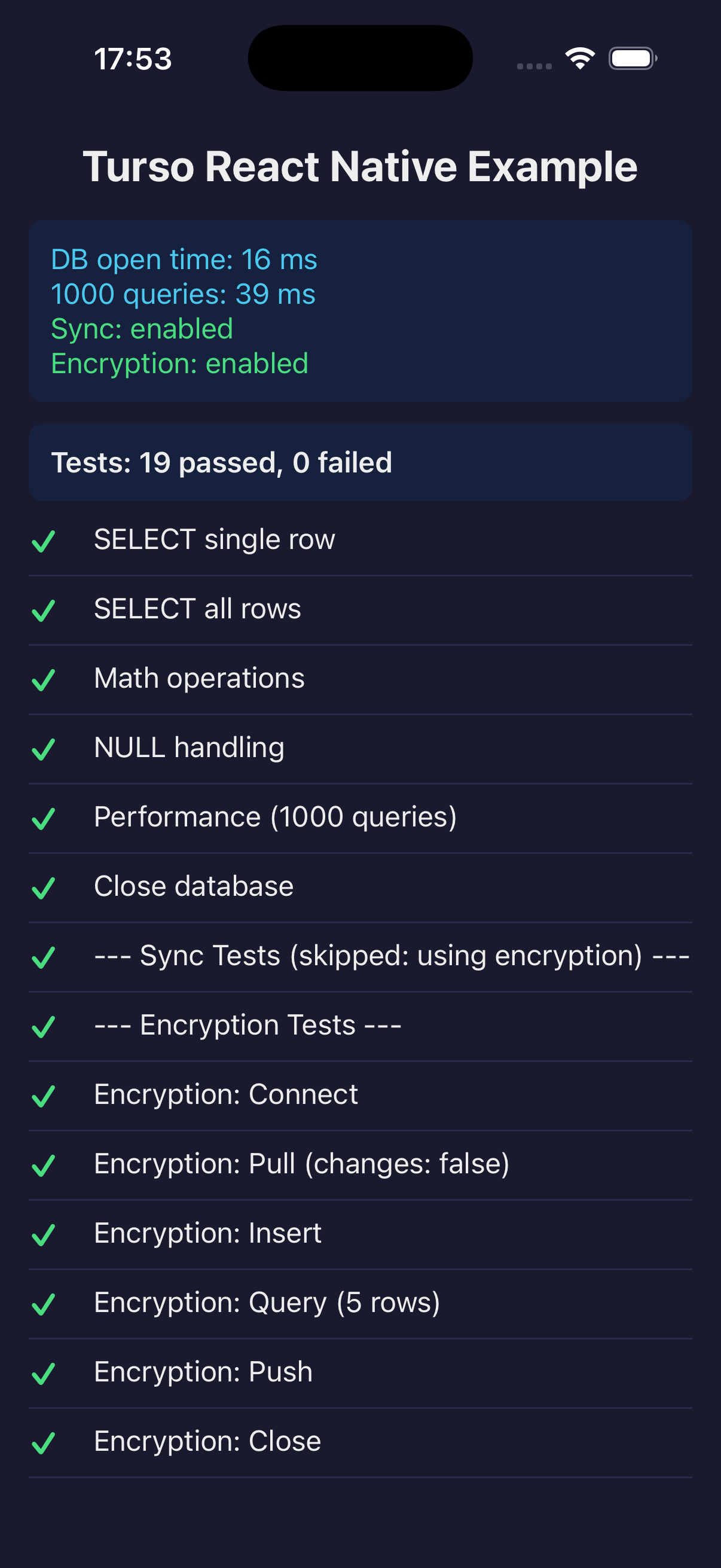
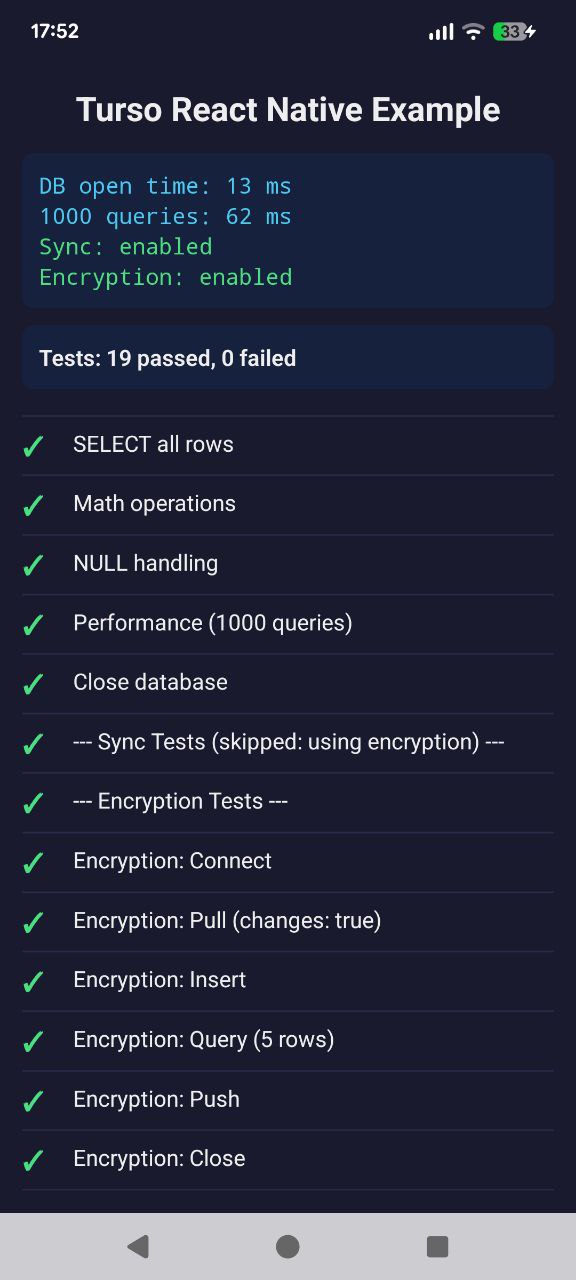
We built native bindings to bring Turso's features to iOS and Android through React Native.
Turso DB features:
- Concurrent Writes — Better write performance with concurrent write support
- Checksums — Data integrity verification out of the box
- Encryption — Encrypt your data at rest with industry-standard ciphers
- Vector and Full-Text Search — Power local AI applications with on-device semantic search
Turso Cloud features:
- Bidirectional Sync — Pull changes from Turso Cloud and push local writes back
- Offline Writes — Write to your local database even when offline, then sync when connected
#Architecture: Thin JSI, Smart TypeScript
The sync engine core is abstracted from platform-specific network APIs, making it easy to integrate on different platforms (like WASM in browsers). The React Native bindings follow the same approach — the native layer is kept thin as a bridge to SDK-KIT, while async network IO and SDK API logic live in TypeScript. Query execution happens in the native database engine.
This design has several advantages:
- Easier debugging — Most issues can be traced in TypeScript
- Better testability — Business logic can be unit tested without native builds
- Faster iteration — TypeScript changes don't require rebuilding native code
#Getting Started
Install the package:
npm install @tursodatabase/sync-react-native
Since this is a native module, iOS requires an additional step to link the native dependencies:
cd ios && pod install
The bindings require React Native 0.76+ with the New Architecture enabled. iOS minimum deployment target is 13.0.
#Local Database
For a simple local-only database that runs entirely on device:
import { connect } from '@tursodatabase/sync-react-native';

const db = await connect({ path: 'myapp.db' });

// Execute multiple SQL statements with exec()
await db.exec(`
  CREATE TABLE IF NOT EXISTS users (
    id INTEGER PRIMARY KEY,
    name TEXT NOT NULL,
    email TEXT UNIQUE
  )
`);

// Use prepared statements and bind args to placeholders
const insert = db.prepare('INSERT INTO users (name, email) VALUES (?, ?)');
await insert.run(['Alice', 'alice@example.com']);

const select = db.prepare('SELECT * FROM users');
console.log(await select.all());

db.close();
#Synced Database
To sync with Turso Cloud, provide a url and authToken. The bindings support bidirectional sync — pull remote changes to your local database and push local writes back to the cloud:
import { connect } from '@tursodatabase/sync-react-native';

const db = await connect({
  path: 'replica.db',
  url: 'libsql://mydb-myorg.turso.io',
  authToken: 'your-auth-token',
});

// Pull remote changes to local
await db.pull();

// Make local changes (works offline!)
const insert = db.prepare('INSERT INTO tasks (title) VALUES (?)');
await insert.run(['Buy groceries']);

// Push local changes to remote when connected
await db.push();
#What's Next
We're continuing to improve the React Native bindings with:
- Partial Sync — Load only the pages you need for large databases
- Expo Plugin — Simplified setup for Expo projects
- Real-time Subscriptions — Get notified when remote data changes
#Get Started Today
The React Native bindings are available now:
npm install @tursodatabase/sync-react-native
Check out the bindings source code and examples on GitHub, or visit our sync documentation for detailed usage guide.
We'd love to hear about what you're building with Turso on mobile. Join our Discord to share your projects and get help from the community.