Turso is now in the Cursor Marketplace
Install the Turso plugin from the Cursor Marketplace and let your coding agent create, branch and query Turso databases without leaving the editor.

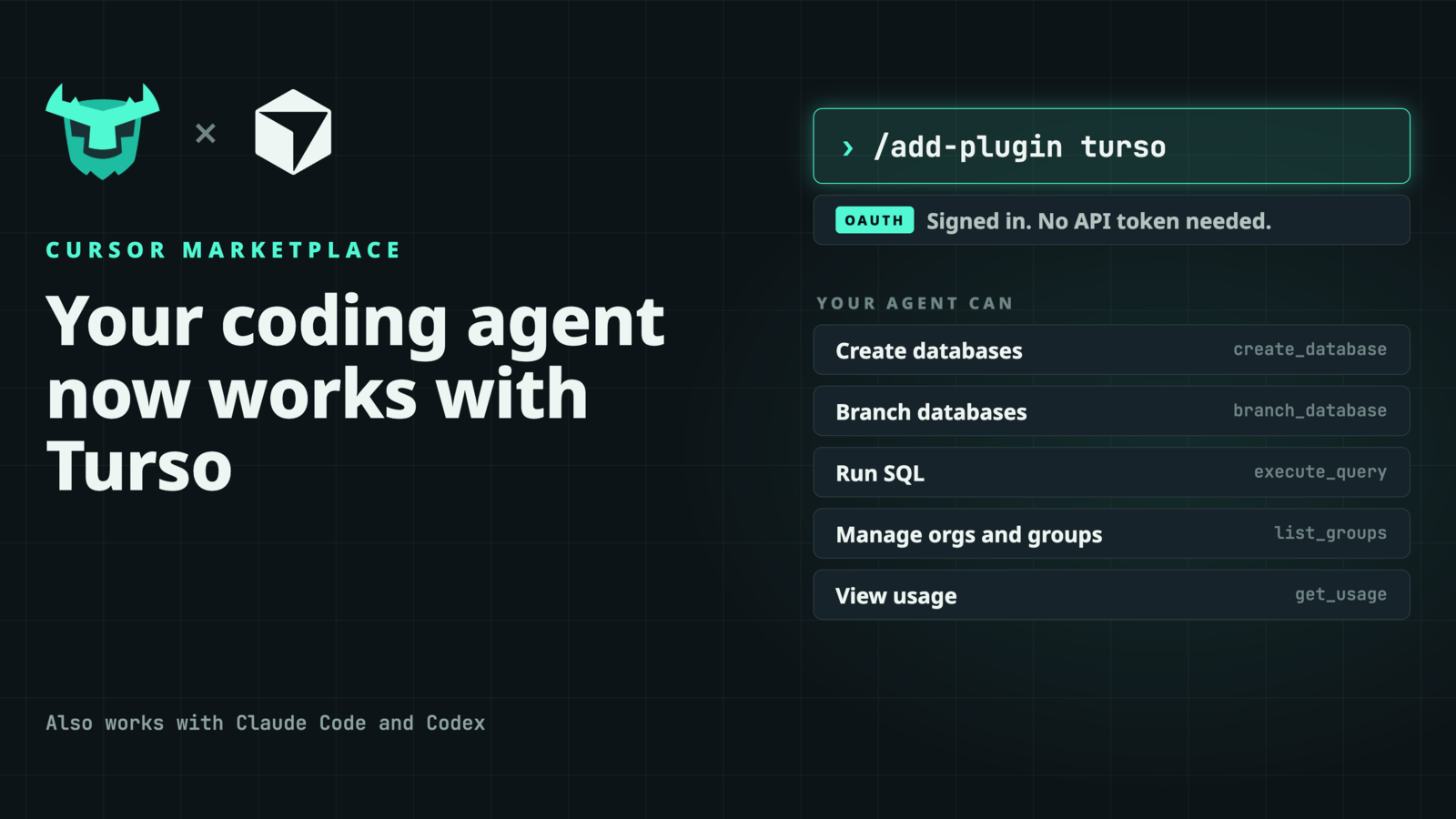
Your coding agent can now work with Turso databases directly from Cursor. The Turso plugin is live in the Cursor Marketplace, and it takes one command to set up.
#Get started
In Cursor, run:
/add-plugin turso
Sign in to Turso in your browser and you're done. You don't need to create an API token or paste one into a config file. Authentication goes through OAuth, so your credentials stay out of your project.
#What your agent can do
Once the plugin is installed, your agent can manage Turso Cloud and query your data without leaving the editor:
- Create and delete databases as your project needs them
- Branch databases to try a migration or test against real data without touching production
- Run SQL to inspect schemas, seed data or debug a query
- Manage organizations and groups, and view usage analytics
The plugin also comes with a Turso skill that gives your agent background on the SQLite, libSQL and Turso ecosystem: which engine to pick, which driver to use and what the tradeoffs are. You get better answers and less guesswork.
#Works with Claude Code and Codex too
The plugin runs on the hosted Turso MCP server, and that same server works with Claude Code and Codex. Whatever agent you use, you can point it at Turso the same way. See the setup instructions for Claude Code and Codex.
#Try it
Install the plugin from the Cursor Marketplace, sign in, and ask your agent to spin up a database. The source is on GitHub. We'd love to hear what you build with it.