Turso Sync: Local-First SQLite with Push and Pull
Turso Sync ships logical changes instead of pages, so writes stay local and you decide when to push and pull. Here is how it works, what the benchmarks show, and where last-push-wins fits.

A local-first app is supposed to feel like this on a subway with no signal: you add a task, edit a note, check something off, and every tap responds instantly. There's no spinner and no "you're offline" banner. Twenty minutes later you walk up the stairs, the phone finds a network, and your changes land in the cloud. Your laptop picks them up the next time it opens the app. Nothing got lost.
If you've tried to build that on SQLite, you probably know how rarely it ends up feeling that way. We know too, because our first attempt at sync when we forked SQLite (Embedded Replicas in libSQL), ran into the same problems you've likely hit. Turso Sync is our second attempt, built on Turso Database, our full, open source rewrite of SQLite in Rust. This post covers why the first approach struggled, how the new one works, what our benchmarks do and don't show, where the conflict model will and won't fit your data, and what to do if you're on Embedded Replicas today.
#Why SQLite sync kept breaking
SQLite has a write-ahead log (WAL), and it's tempting to treat it as a replication stream. The problem is what's in it: WAL records physical pages, the fixed-size blocks SQLite stores data in. That means that it doesn't record that you inserted a row into tasks, it only records that page 412 now looks different.
Replicating pages causes trouble in a few ways. A one-row change still ships a whole page, so small writes get expensive on the wire. Since you only see the resulting bytes, you can't tell what logically changed, which makes replaying or merging changes close to impossible. And keeping both sides applying pages in the same order gets fragile once checkpoints fold WAL pages back into the main database file. When the local and remote copies drift apart, the fix is to throw the local copy away and download everything again.
Embedded Replicas hit all of these. As Glauber Costa put it in his sync benchmark post, "There is no good way to have a logical stream of changes in SQLite. So we built our replication protocol on physical pages." The practical fallout was that writes went to the remote database by default, with only reads served locally. You could turn that off, but sync then errored out more often. A local database that needs the network to write isn't very local.
#Sending changes instead of pages
Embedded Replicas couldn't fix this from the outside. libSQL is a fork of SQLite, so it inherited SQLite's storage engine, and that engine only ever exposed pages. Getting a logical change stream meant changing the engine itself. That's one of the main reasons we started Turso Database, an open-source rewrite of SQLite in Rust that stays compatible with SQLite's file format and SQL dialect. Doing sync right was at the top of the list.
The piece that matters for sync is built into that engine: Turso Database tracks every row-level change through Change Data Capture (CDC). When you push, the client sends logical statements describing what changed, not the pages those changes touched. A single-row insert costs roughly the size of that row on the wire. And because the changes are logical, they can be stitched together on the server: two unrelated writes to two different tables no longer collide just because they produced different physical pages.
On Turso Cloud databases that run on the Turso Database engine, a synced database can also use concurrent writes (MVCC).
#Push and pull are separate on purpose
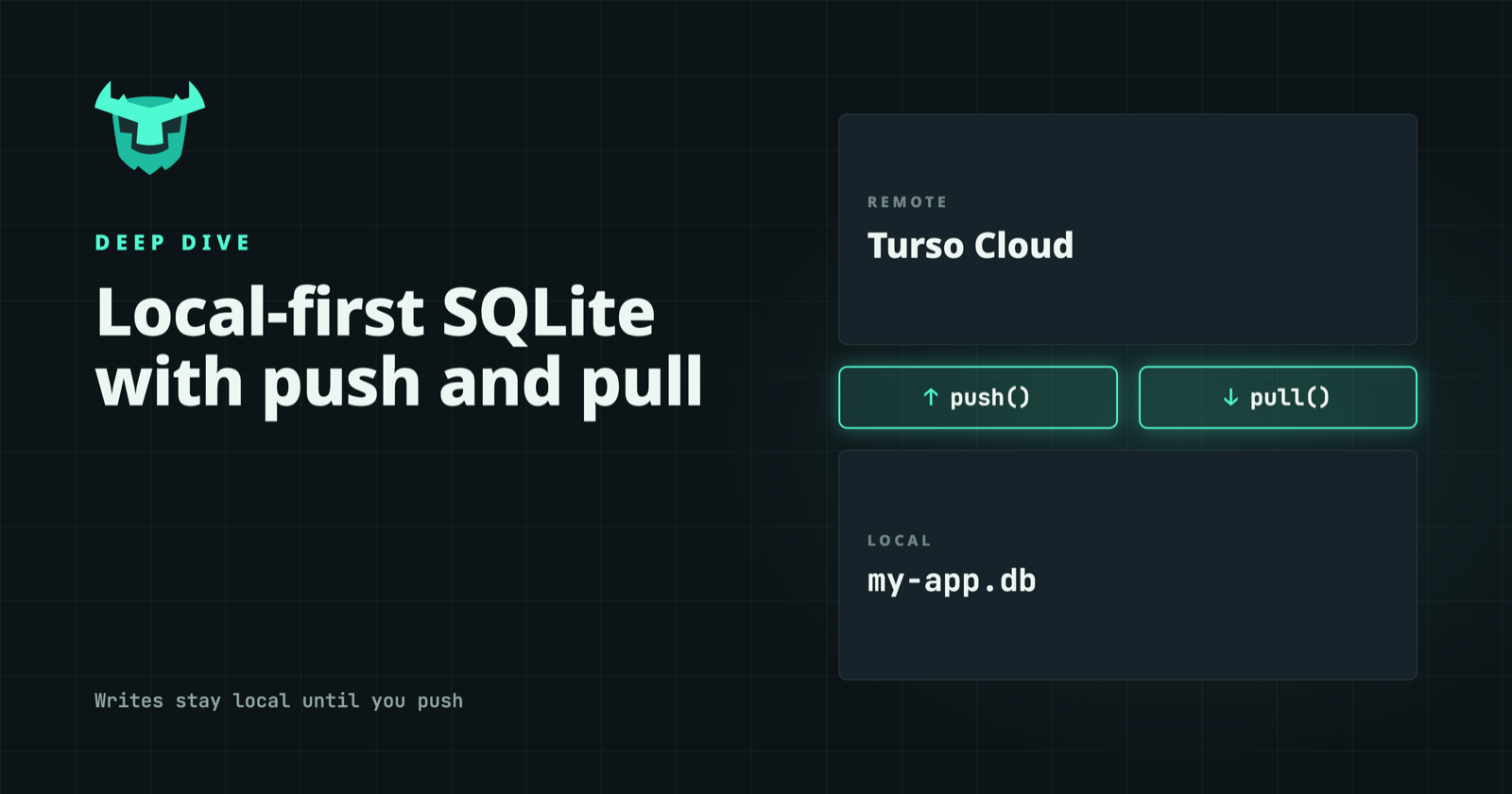
Once you have a logical change stream, sync doesn't need to be one opaque call. Turso Sync splits it in two. push() sends local changes to the remote. pull() fetches remote changes and applies them locally, returning a boolean that tells you whether anything changed. You can also set a long-poll timeout so the server holds a pull until there's something new, which gets you close to real-time updates without hammering the server in a loop.
Setting up a synced database in TypeScript looks like this:
import { connect } from "@tursodatabase/sync";

const db = await connect({
  path: "./my-app.db",
  url: process.env.TURSO_DATABASE_URL!,   // turso://... from `turso db show <db> --url`
  authToken: process.env.TURSO_AUTH_TOKEN!,
  longPollTimeoutMs: 10_000,               // optional: server waits for changes before replying to pull
});

// Reads and writes always hit the local file
await db.exec("INSERT INTO tasks (title, done) VALUES ('Buy milk', 0)");

// Send local changes when you're ready
await db.push();

// Pick up changes made on other devices
const changed = await db.pull();
Writes go to the local file and stay there until you call push(). If the device is offline, they sit safely on disk until it's back online. An app that only consumes cloud data can pull and never push. An app with bursty sessions can push once when the session ends instead of after every write. You decide where the sync boundaries are, and in our experience that decision is most of what makes a local-first app feel fast. For long-running apps, checkpoint() compacts the local WAL so disk usage stays bounded, and stats() reports sync activity such as bytes sent and received and the last push and pull times.
For development, the the Turso Database CLI (tursodb) ships with a local sync server, so you can test the whole loop without a cloud account:
tursodb --sync-server 0.0.0.0:8080
#Starting without the whole database
Turso Database is async all the way down, and that makes partial sync possible. Partial sync itself is still marked experimental, but the idea is simple: the client opens a database and starts answering queries before it has downloaded the full file. When a query touches a page that isn't local yet, the client fetches it on demand. Writes still apply locally first and are pushed as logical statements, so partial sync works with the same push and pull calls.
You choose what's present at connect time. A prefix bootstrap downloads the first N bytes of the file, which gives you a small, predictable starting footprint. A query bootstrap runs a SQL query on the server and downloads only the pages it touches, such as one user's rows, which is a natural fit for per-user data.
Fetching one 4 KiB page at a time would mean a lot of round-trips, so the client grabs a whole segment instead. The default segment is 128 KiB (about 32 pages at a 4 KiB page size), and you can tune it: larger for workloads that read clustered rows, smaller for sparse random access. There's also an optional prefetch mode that inspects freshly downloaded B-tree pages and recent access patterns, then pulls in the pages it expects the query to need next. Range scans and index walks stall less as a result.
On a phone with a large database, that means the app is usable on first open instead of sitting on a progress bar.
#What the benchmarks show
Before we started recommending Turso Sync over Embedded Replicas for every use case, we did what we usually do: benchmarked the two side by side and published the code and results on GitHub.
We compared Embedded Replicas (@libsql/client 0.17.2) against Turso Sync (@tursodatabase/sync 0.5.3) from a Fly.io VM in us-east-1, the same region as the Turso Cloud database, so traffic crossed the public internet rather than staying inside AWS.
| Benchmark | Embedded Replicas | Turso Sync | Faster | Less data |
|---|---|---|---|---|
| Read-your-writes, push once at the end (200 cycles) | 48.6 s / 2.7 MB | 0.16 s / 149 KB | 312x | 18.4x |
| Read-your-writes, push after every write (200 cycles) | 43.7 s / 2.7 MB | 6.0 s / 1.1 MB | 7.3x | 2.5x |
| Sequential updates (2,000 rows) | 97 s / 13.7 MB | 9.3 s / 945 KB | 10.5x | 14.8x |
| Sequential inserts (3,000 rows) | 152 s / 34.6 MB | 17 s / 2.1 MB | 8.9x | 16.3x |
| Pull remote changes (5,000 rows) | 0.72 s / 1.08 MB | 0.34 s / 1.05 MB | 2.1x | ~1x |
| Batched inserts (3,000 rows, push every 500) | 16.5 s / 9.2 MB | 14.2 s / 2.2 MB | 1.2x | 4.3x |
The 312x speedup in the first row of the table is also the least like-for-like comparison. In that test, the client inserts a row and reads it back, 200 times. Embedded Replicas ran with readYourWrites on, so every write went to the cloud first, which is how most people ended up using them. Turso Sync did all 200 writes and reads locally and pushed once at the end. That's 200 network round-trips against one, so it isn't apples to apples. Still, it's exactly the usage pattern local-first exists for, and it was off the table with page replication, where any write produced different physical pages and conflicted.
The fairer comparison pushes after every write, so both sides hit the network on every cycle. Turso Sync still came in at 30 ms per cycle against 218 ms, because a local write plus a push is cheaper than a remote write plus a pull. Workloads with lots of small writes, like the sequential inserts and updates, show roughly 9–10x speedups and 15x less data.
When both sides are just downloading a fresh database, they ship about the same bytes, and Turso Sync is 2.1x faster on time. When Embedded Replicas already batch their writes, Turso Sync is only 1.2x faster, though it still sends about a quarter of the data.
#Last push wins, and where that falls short
Turso Sync resolves conflicts with a simple rule: the last push wins. It's easy to reason about, and it's correct for a lot of local-first data. Per-user settings, personal task lists, agent memory and per-device state all fit well, because one writer owns each row.
It's the wrong fit when two writers can change the same row while both are offline and both changes need to survive. Counters are the classic example. Two offline devices each decrement the same stock count by one; the second push overwrites the first, and one sale disappears. Two people editing the same document field run into the same problem.
You can often design around it. Make data append-only, so each device inserts its own rows (a sale, an edit, a vote) and shared values like stock counts are derived from them. Or give each user their own rows and build shared views on top. If neither works for your data, you'll need merge logic in your application. The benchmark repo includes a conflict-resolution demo that shows the behavior with multiple writers.
One side effect to expect: a pull() right after your own push() can still report changes, because the server may send back the result of resolving a conflict.
One operational detail to know going in: on first connect, the local database bootstraps from the remote, so the remote has to be reachable. If your app needs to start offline, set bootstrapIfEmpty: false to begin with an empty local database and pull later. After that first run, the app opens straight from the local file, network or not.
#Coming from Embedded Replicas
If you're using libSQL's sync(), our recommendation is to switch to Turso Sync. The libSQL SDKs still support Embedded Replicas, but new projects should start on Turso Sync, and Turso's compatibility with SQLite is now close enough that we're comfortable recommending the move for existing ones too.
The main change is in your mental model. Embedded Replicas pulled changes with sync() and, by default, sent writes to the remote. Turso Sync reads and writes locally by default, and you decide when to push() and pull(). If you used the offline: true option to keep writes local, Turso Sync is its modern equivalent, without the extra sync errors that came with it.
#Where this fits
The subway scenario from the top of this post is the obvious case: a mobile or desktop app that writes locally, pushes on reconnect, and pulls when it opens. A person's phone and laptop work the same way, each with its own local copy, kept in step through push and pull. AI agents follow the same shape. An agent writes task state and tool results to its own local database during a session, never waiting on the network, then pushes at a checkpoint or handoff so an orchestrator can pull the latest state.
Turso Sync is for keeping a local database in step with Turso Cloud. If your changes need to go somewhere else, such as a search index, a queue, or a webhook, that's a job for CDC directly.
On Turso Cloud, sync traffic is metered alongside storage and rows: the Free plan includes 3 GB of syncs a month and the Developer plan 10 GB. Because Turso Sync ships logical changes instead of pages, the same workload uses less of that allowance, as the benchmarks above show. Details are on the pricing page.
To try it, install @tursodatabase/sync, start the local sync server, and work through the Turso Sync docs. Turso Database is open source, so if you hit something that doesn't behave the way you expect, open an issue on GitHub.